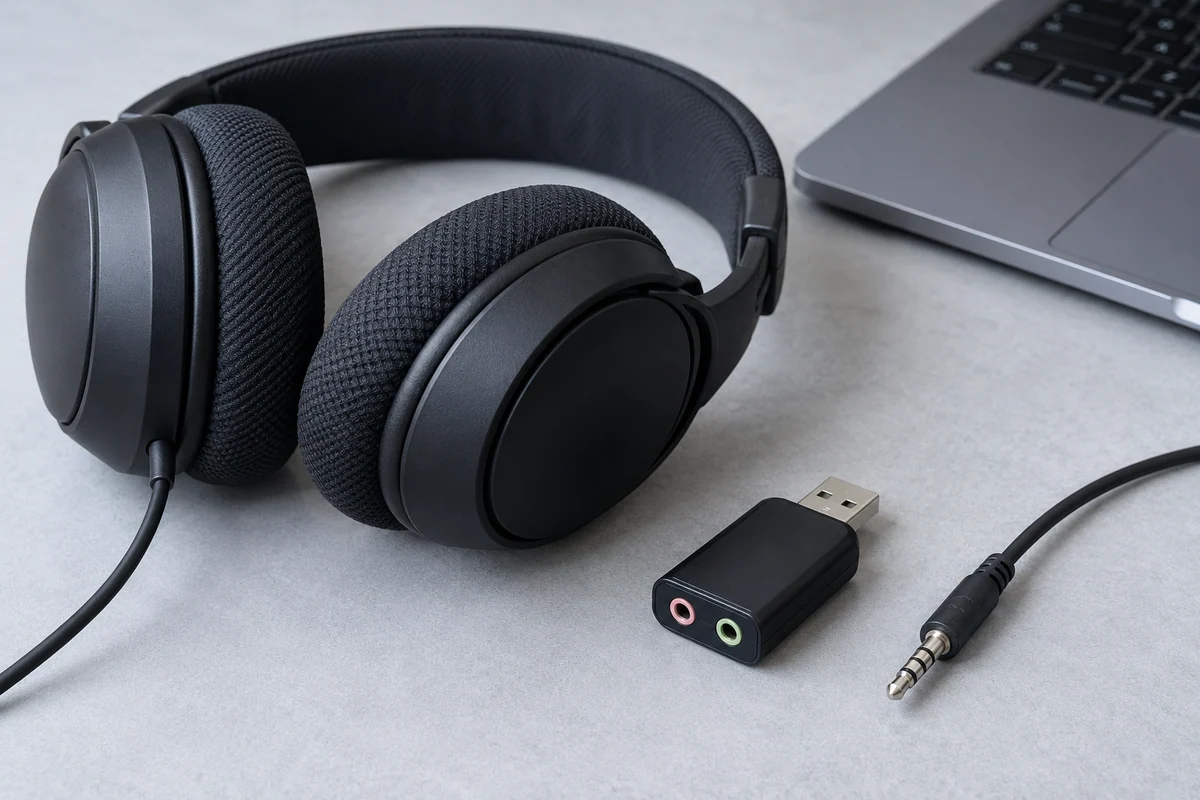
A round audio jack can look familiar while supporting a different signal role. Headphone output, microphone input and a combined headset connection are not interchangeable descriptions. Start with the computer's exact manual and the intended task: listening, recording or both.
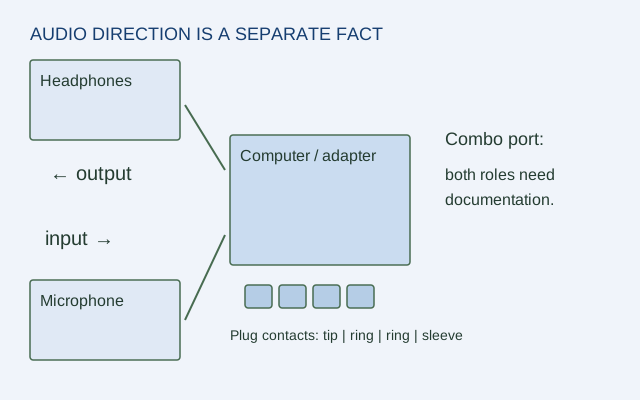
The plug drawing in this guide is only a connector-contact schematic. It cannot establish the wiring standard or supported features of a particular device. A physical fit alone does not settle microphone compatibility.
Record the role before the connector
| Field | What to find in the manual |
|---|---|
| Computer model and port location | Exact diagram or label |
| Output function | Headphone, line output or other stated role |
| Input function | Microphone, line input or explicitly absent |
| Combined connection | Supported headset type and conditions |
| Accessory model | Plug and function requirements from its maker |
If the manual states only headphone output, do not infer a microphone input. If it says combo headset, keep any plug or accessory conditions alongside that statement.
A model-specific example
Dell's Inspiron 16 5640 owner manual describes a headphone-and-microphone combo port. That is useful evidence for the port's combined role on this model. It does not establish support for every headset, every splitter or a particular microphone's electrical requirements.
For a hypothetical task that needs listening and speech input, mark both roles required. A headset with separate headphone and microphone plugs introduces an adapter question that must be resolved with the exact adapter's documentation. Do not assume a passive splitter converts every wiring arrangement.
Keep system selection separate
After the hardware path is documented, the operating system or application may need the correct input and output selected. Use the exact system's official instructions and distinguish an unselected input from an unsupported hardware function. This guide does not provide an unverified universal menu path for every OS version.
Use three honest outcomes
Write confirmed when the exact documents support the required role and combination, unsupported when they explicitly rule it out, and unconfirmed when the evidence is missing. A listening-only requirement may be satisfied even if microphone input is unconfirmed; a combined task is not.
Keep a short record of model, port role, accessory and source. It makes the next purchase or support question precise without claiming that this site plugged in or tested a microphone.
ORIGINAL REFERENCE DIAGRAM
Sources and scope
Official documentation checked October 17, 2026. The exact models, versions and conditions below matter.
- Dell Inspiron 16 5640 owner manual: external ports — This model lists USB-C 10 Gbps with DisplayPort 1.4 and Power Delivery, two USB 5 Gbps ports, a headset combo port, and HDMI limited to 1920 × 1080 at 60 Hz despite the HDMI 1.4 designation.