THE REFERENCE LIBRARY / 06 GUIDES
Audio & Input
Check signal direction, device switching and replacement support. A matching plug, receiver or key shape does not establish every capability.
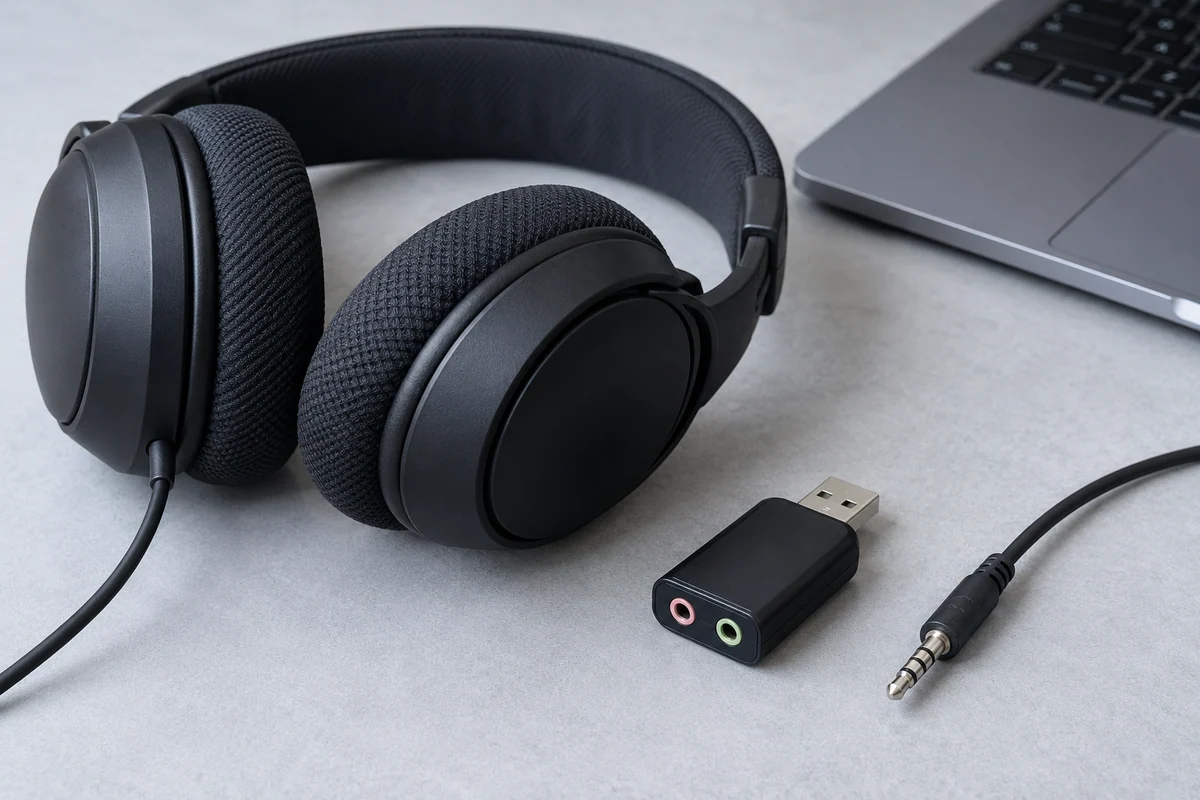
READ THE SIGNAL DIRECTION
Check Whether a Computer Audio Port Supports Headphones, a Microphone, or Both
Read input and output roles in the exact model manual before choosing a plug or adapter.
What you'll have: An audio-port role record with a documented combo-port example.
Read the complete guide →The audio and input reading list
01Check Whether a Computer Audio Port Supports Headphones, a Microphone, or Both
Read input and output roles in the exact model manual before choosing a plug or adapter.
Make: An audio-port role record with a documented combo-port example.
Verify Input and Output Features on a USB Audio Adapter
List the signals you need to send and receive, then match each one to an explicitly documented direction.
Make: A task-to-port matrix using one official USB audio-adapter specification.
Check Connection Modes Before Using One Headset With Two Devices
Distinguish remembered pairings, simultaneous connections, switching and mixed playback.
Make: A two-device behavior checklist and a documented Sony WH-1000XM5 example.
Compare How Multi-Device Keyboards Switch Between Computers
Separate device count, connection modes and the actual switch action from broader cross-device software features.
Make: A comparison template and a model-specific Easy-Switch example.
Find an Officially Supported Replacement for a Lost Wireless Receiver
Identify the exact device family and pairing support before treating a similar USB receiver as a replacement.
Make: A replacement lookup process with supported, unsupported and unconfirmed outcomes.
Check Keyboard Layout, System Keys, and Shortcut Support Before Buying
Compare the actual regional layout with the keys and app commands your work needs.
Make: A layout schematic and a task-based keyboard checklist with system-specific examples.