THE REFERENCE LIBRARY / 06 GUIDES
USB & Power Specs
Keep connector shape, data rate and charging power separate. Check the exact port, cable and power-distribution conditions in the official documentation.
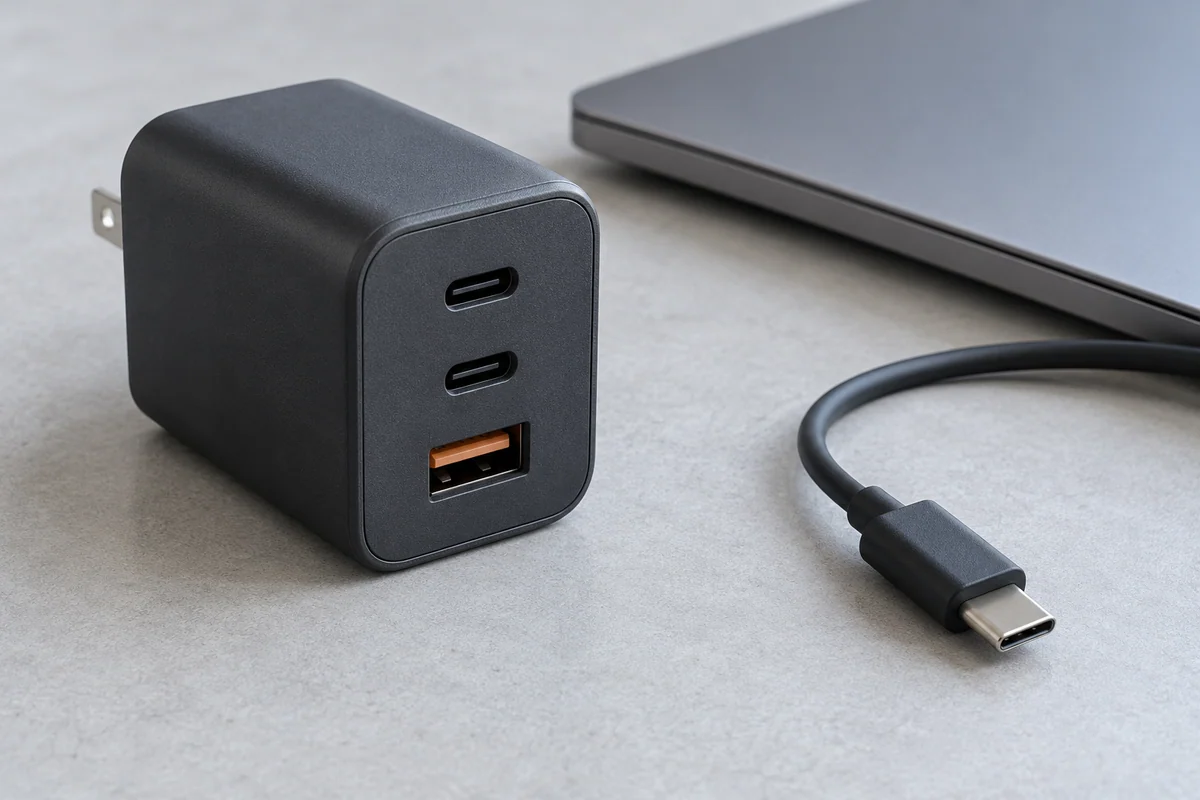
READ THE ALLOCATION TABLE
Read a Multiport Charger's Power-Distribution Table
Read simultaneous port combinations instead of adding the single-port numbers printed on a charger.
What you'll have: A model-specific connection table for Anker A2667 and a plan for two devices.
Read the complete guide →The USB and power reading list
01Confirm a Computer Port's Features From Its Official Specifications
Use the exact model manual to separate connector shape, data, video and power functions.
Make: A port evidence card with a real model-specific limitation.
Understand the Numbers in USB Data-Rate Labels
Read the performance number and unit without treating it as an end-to-end file-copy result.
Make: A bit-to-byte conversion table and a distinction between signaling labels and usable throughput.
Compare a Device's Published Input Requirements With a USB-C Charger
Match the device requirement, charger output conditions and cable support without inferring compatibility from one wattage.
Make: A three-part power checklist with unknown fields kept explicit.
Read a Multiport Charger's Power-Distribution Table
Read simultaneous port combinations instead of adding the single-port numbers printed on a charger.
Make: A model-specific connection table for Anker A2667 and a plan for two devices.
Choose Cable Specifications for the Data and Power Tasks You Need
Make a task checklist that separates data, video, power, length and connector direction.
Make: A cable-selection worksheet and a real high-power, lower-data counterexample.
Separate a Dock's Input Power, Laptop Charging, and Downstream Power
Keep adapter rating, host delivery and accessory-port delivery in separate columns.
Make: A three-role power diagram and a CalDigit TS4 example without invented internal consumption.