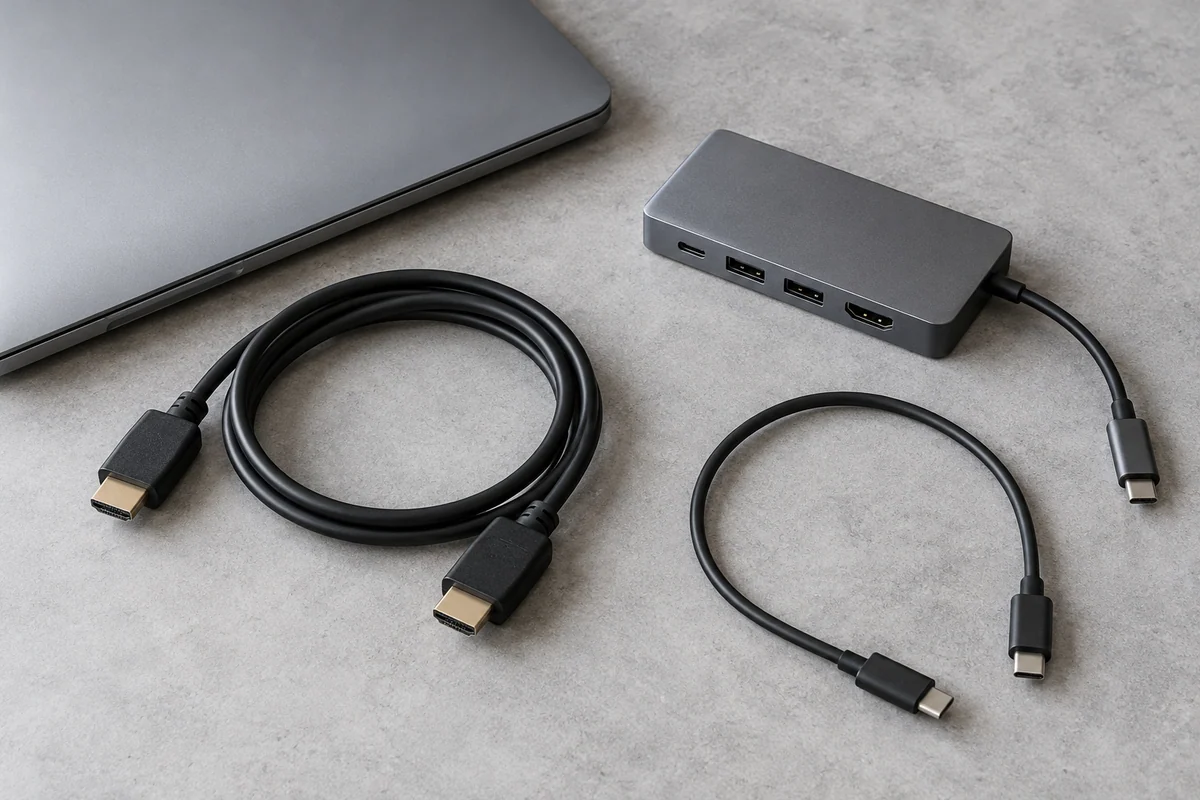
Displays & Connections
Map the Whole Display Connection Before Buying an Adapter
Check computer output, conversion direction, cable and monitor input as one chain.
Read the guide →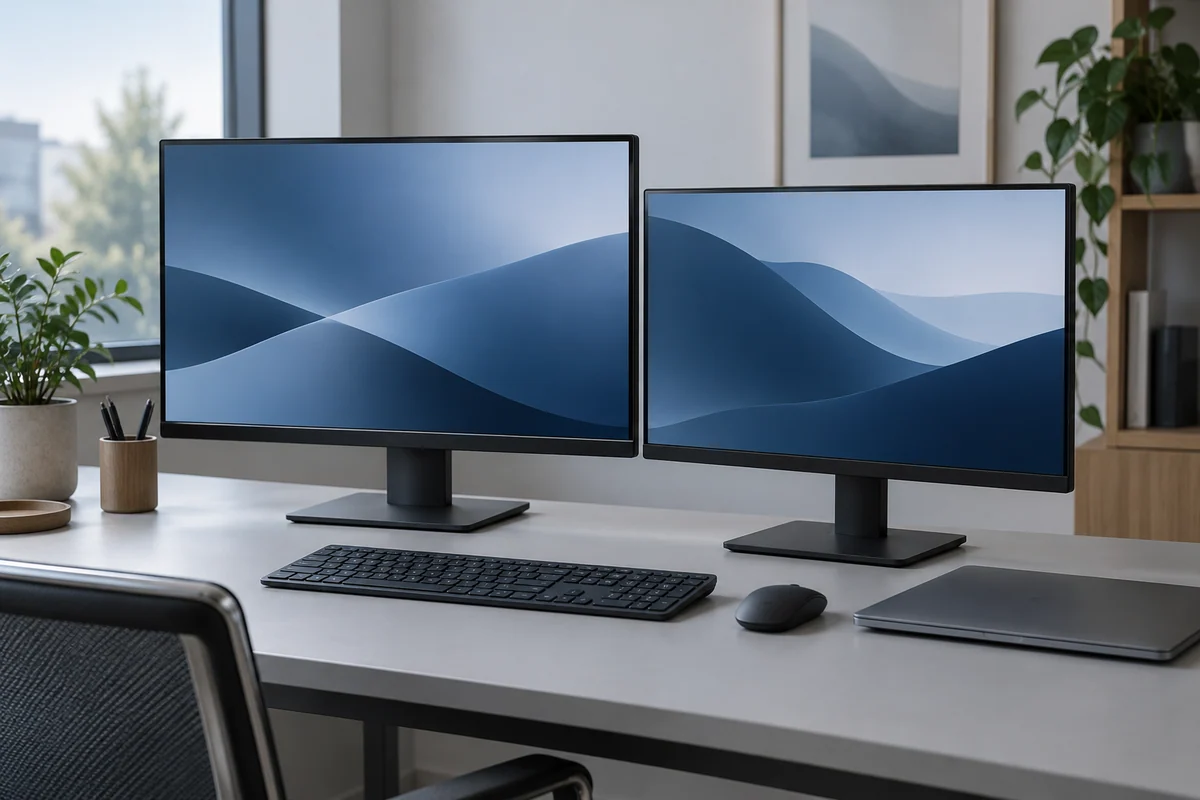
THE DISPLAY GUIDE / START WITH THREE SEPARATE FACTS
Screen size, pixel count and pixel density answer different questions. Read them together before you turn a spec sheet into a decision.
Read the screen geometry guide →Read the conditions behind the connector, the capacity label and the audio symbol.
Displays & Connections
Check computer output, conversion direction, cable and monitor input as one chain.
Read the guide →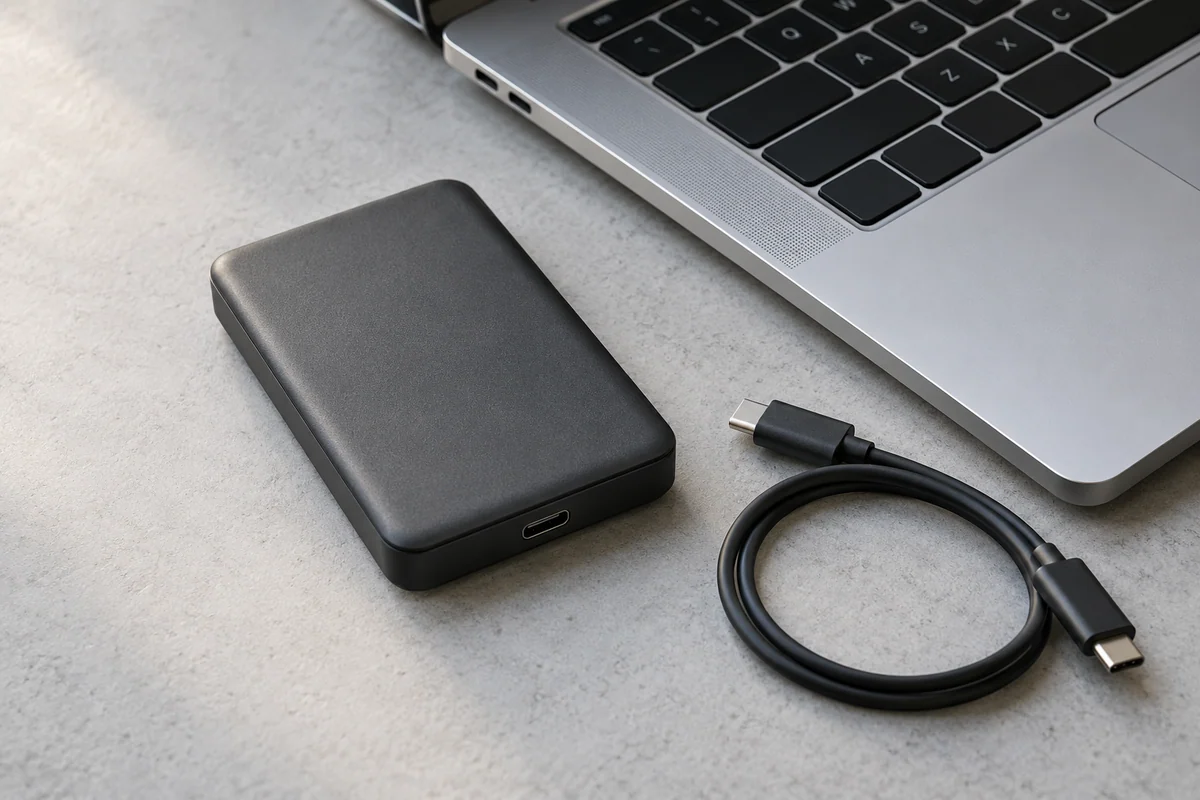
Storage & Transfer
Check the drive, cable and host data path before interpreting an advertised storage speed.
Read the guide →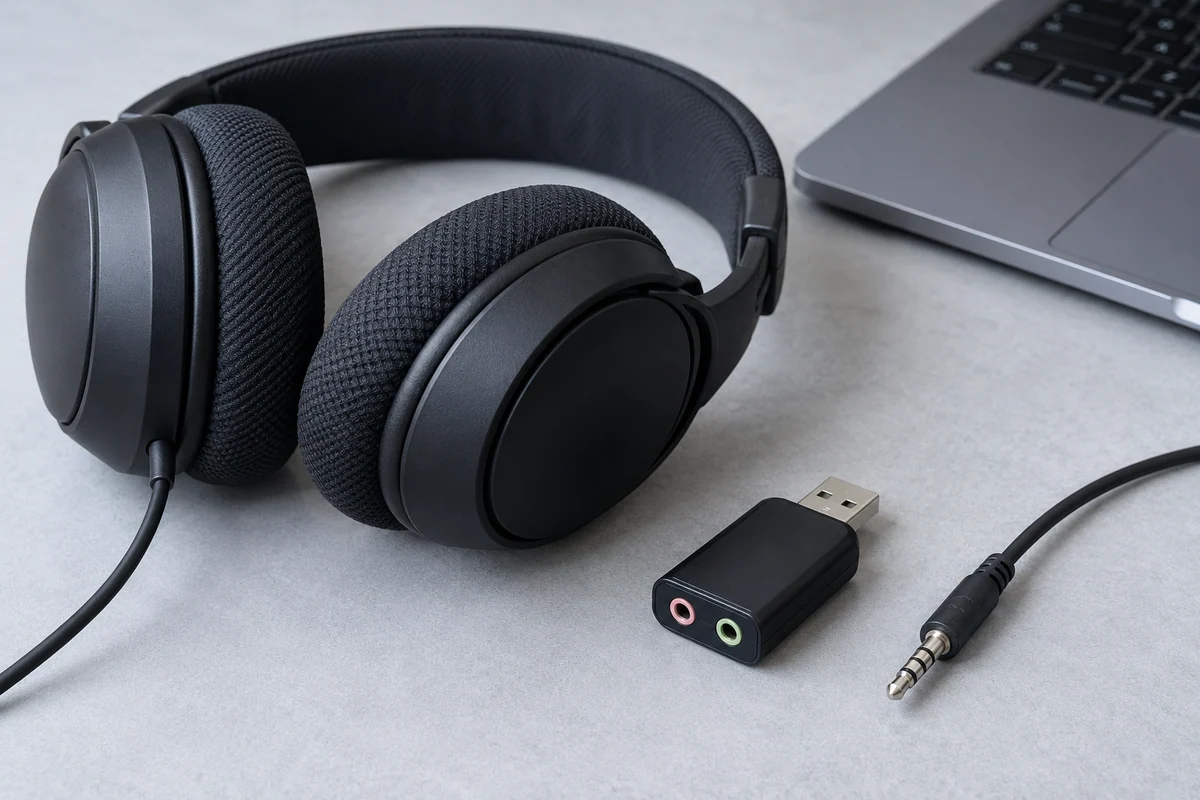
Audio & Input
Read input and output roles in the exact model manual before choosing a plug or adapter.
Read the guide →Original AI-generated editorial images. No pictured equipment is an identified model, compatibility demonstration or product test.
GEOMETRY
Physical diagonal and pixel dimensions are different fields. PPI connects them mathematically.
CONNECTIONS
Connector shape does not specify every data, video or charging capability.
TRANSFER
Read the unit and the conditions before using a rate to estimate copy time.
Displays & Connections
Build an input-specific mode record instead of treating a headline resolution as a promise for every connection.
Displays & Connections
Record host, system, dock technology and target modes before interpreting a dual-display claim.
USB & Power Specs
Read the performance number and unit without treating it as an end-to-end file-copy result.
USB & Power Specs
Read simultaneous port combinations instead of adding the single-port numbers printed on a charger.
Storage & Transfer
Use the device maker’s recording-mode requirement and the matching SD speed-class family.
Audio & Input
Compare the actual regional layout with the keys and app commands your work needs.