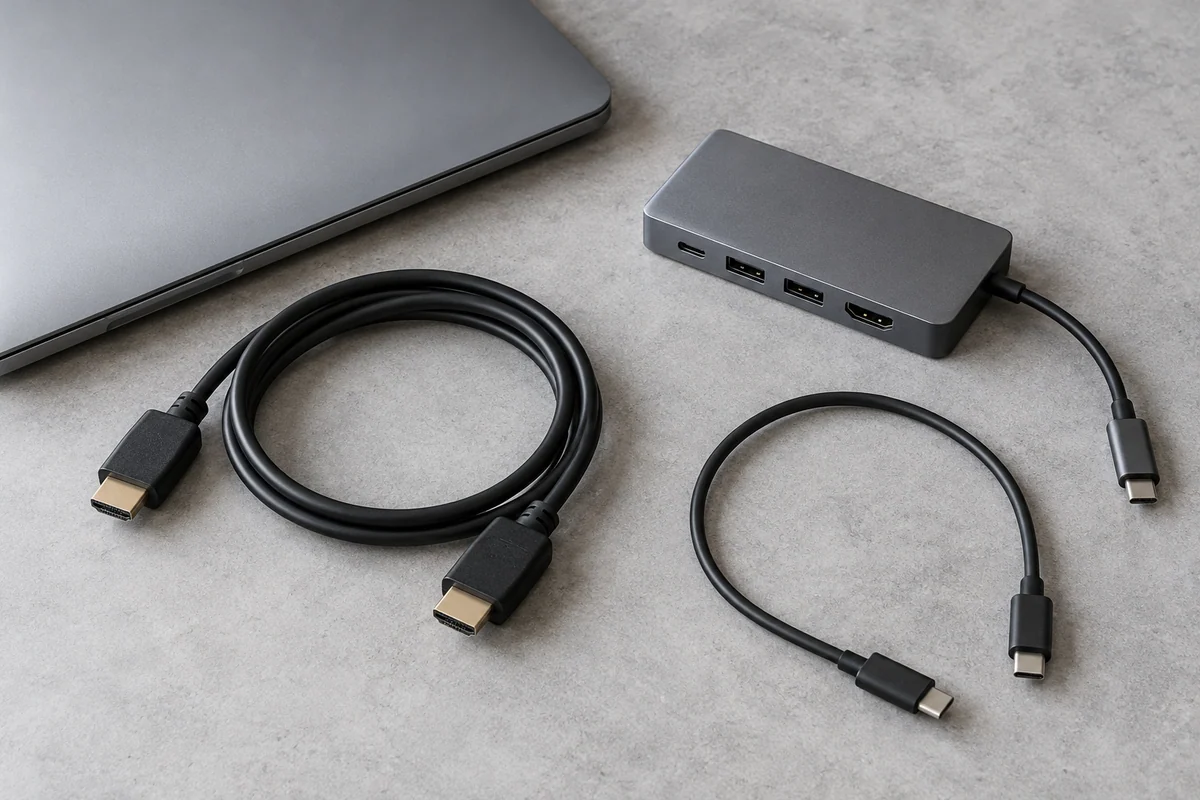
An adapter can be correctly labeled and still be the wrong link for your plan. A display chain begins at the computer's actual output capability and ends at the monitor's accepted input mode. A connector matching at both ends is only the first physical check.
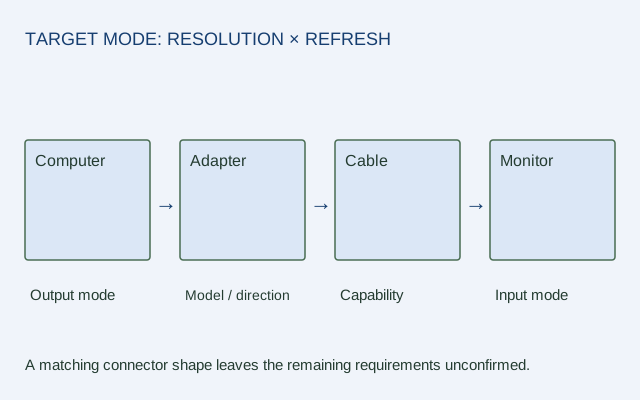
Draw four boxes: computer output → adapter or dock → cable → monitor input. Put the requested resolution and refresh rate above the chain. Add any relevant system version below the computer. The drawing makes missing information visible before you spend money.
Fill each link with evidence
| Link | Record | Unresolved example |
|---|---|---|
| Computer | Exact model, port, supported output mode | USB-C shape known, video support not stated |
| Adapter | Exact model, conversion direction, host conditions | Listing says “4K” without refresh rate |
| Cable | Interface and required performance claim | Connector matches but capability unconfirmed |
| Monitor | Input and accepted target mode | Panel resolution known, input timing missing |
A link described only by shape remains unconfirmed. In particular, a USB-C connector does not by itself establish video output or a data rate.
Compare a documented limit with a missing condition
Apple's USB-C Digital AV Multiport Adapter documentation distinguishes A2119 from the older A1621. A2119's 4K 60 Hz or 30 Hz behavior depends on the specified host and system conditions; macOS 10.14.6 or later is part of its documented requirements. A1621 is described with 4K 30 Hz support. The model number changes the evidence.
A complete planning record therefore names one listed host, its supported OS, A2119, the required HDMI cable conditions and a monitor input documented for the chosen mode. This is a complete record structure, not an unqualified assertion that any unnamed host-monitor pair will work.
An incomplete record says “USB-C laptop + 4K adapter + HDMI monitor.” It omits host video capability, adapter model, target refresh and monitor input timing. The next step is to fill those fields, not choose a more expensive adapter as a substitute for evidence.
A filled example: explicit hypothetical conditions
The following is a fictional specification exercise, not a recommendation of actual products or a physical compatibility test. Every capability in the table is an assumed condition, so the example shows how a complete record differs from the incomplete shopping phrase above.
| Field | Filled illustrative record |
|---|---|
| Target | 1920 × 1080 at 60 Hz, one extended display |
| Computer H | USB-C port 1; its assumed specification explicitly supports DP Alt Mode at the target mode |
| System | Windows 11, supported in Adapter A's assumed documentation |
| Adapter A | USB-C video source to HDMI display; assumed support for 1920 × 1080 at 60 Hz on Computer H's mode |
| Cable C | 2 m HDMI cable; assumed documented support for the target mode |
| Monitor M | HDMI input 1; assumed timing table explicitly accepts 1920 × 1080 at 60 Hz |
| Evidence status | All capability cells filled as scenario assumptions; actual product verification not performed |
For a real purchase, replace each fictional model and assumption with the exact official source. A complete scenario record teaches the required fields; it does not convert assumptions into evidence for real equipment.
Preserve direction and constraints
Adapters may perform a directional conversion; do not reverse an arrow merely because plugs can be made to fit. Keep the exact product's direction and system conditions in the record. If a dock is involved, add it as its own link rather than hiding it inside the cable label.
Use a confirmed lower mode only if it meets the actual task. A mode that differs from your target is an alternative, not proof that the original target is supported. Keep any real connection test separate from this source-based planning sheet.
ORIGINAL REFERENCE DIAGRAM
Sources and scope
Official documentation checked October 17, 2026. The exact models, versions and conditions below matter.
- Apple USB-C Digital AV Multiport Adapter — A2119 has model-dependent 4K 60/30 Hz conditions and macOS 10.14.6 or later; earlier A1621 is 4K 30 Hz. Consult the precise host list.
- USB-IF data-performance language guidelines (January 2024) — USB data performance labels include 5, 10, 20, 40 and 80 Gbps; connector shape alone does not supply a performance claim.