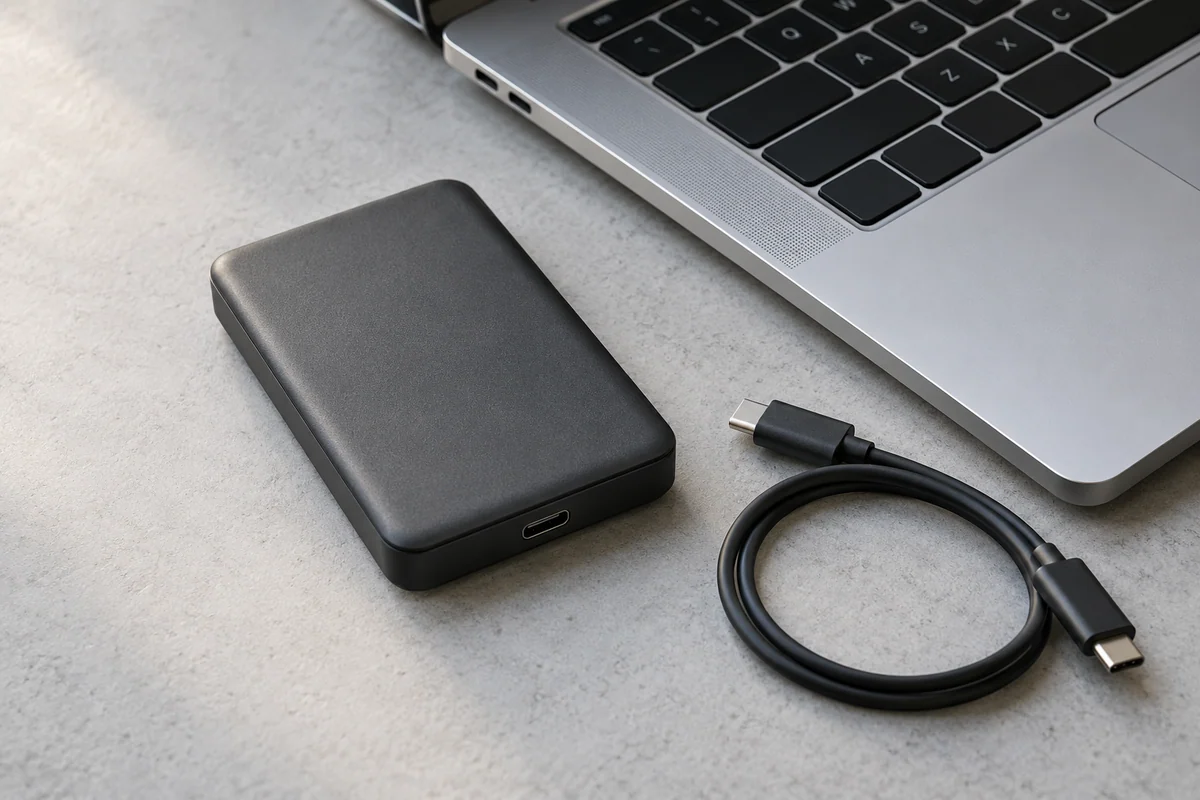
An external drive's advertised speed describes a claim under particular conditions. It is not a promise for every computer port or cable. Write down the complete data path and keep the interface label separate from the storage read and write figures.
Unlike a display connection plan, this worksheet focuses on storage data, the host's transfer interface and the conditions behind a performance claim. It does not determine a disk's file-system compatibility; that needs a separate check.
Record the three physical links
| Link | Required record | Status for your setup |
|---|---|---|
| External drive | Exact model, interface, published performance conditions | ____ |
| Cable | Exact model or supplied-cable identity, data support | ____ |
| Host port | Computer model, selected port, published data capability | ____ |
| Workload context | Read or write, file total, file count, system conditions | ____ |
A USB-C connector at each end does not fill the data-capability cells. Use the model's own documentation for each link rather than comparing shapes.
Read one real claim with its conditions
Samsung's T7 Shield 1 TB model MU-PE1T0S/AM is specified with USB 3.2 Gen 2 at 10 Gbps. Its manufacturer claims up to 1,050 MB/s reading and 1,000 MB/s writing, with compatible Gen 2 host and cable and UASP among the stated conditions; performance varies. These are Samsung's published figures, not results measured by TopStore Guides.
Do not paste the read maximum into a write-time estimate. Likewise, a computer's 10 Gbps interface label is not an observation that this drive transfers every file at 1,250 MB/s. The interface conversion and the device performance claim describe different layers.
Identify the actual uncertainty
If the drive and supplied cable are documented but the laptop port is not, the missing fact is the host data capability. If the host is known but a replacement cable has no performance specification, the cable remains unconfirmed. Naming the gap produces a better next action than replacing every component at once.
For a hypothetical copy estimate, use a known effective rate from the actual workload when available. Otherwise label a nominal-rate calculation as a theoretical lower bound and keep any efficiency percentage as a user assumption.
Preserve the final record
Keep the drive model, cable, port, source URLs and workload beside any estimate. A successful specification match does not prove a physical benchmark, sustained performance or file integrity. It gives you a traceable connection plan and a clear list of what still needs verification.
Sources and scope
Official documentation checked October 17, 2026. The exact models, versions and conditions below matter.
- Samsung T7 Shield 1 TB MU-PE1T0S/AM specifications — USB 3.2 Gen 2 10 Gbps; manufacturer up-to 1050 MB/s read, 1000 MB/s write subject to compatible Gen 2 host/cable and UASP conditions; performance varies.
- USB-IF data-performance language guidelines (January 2024) — USB data performance labels include 5, 10, 20, 40 and 80 Gbps; connector shape alone does not supply a performance claim.